

Starter website package
Show the work. Make it easy to call.
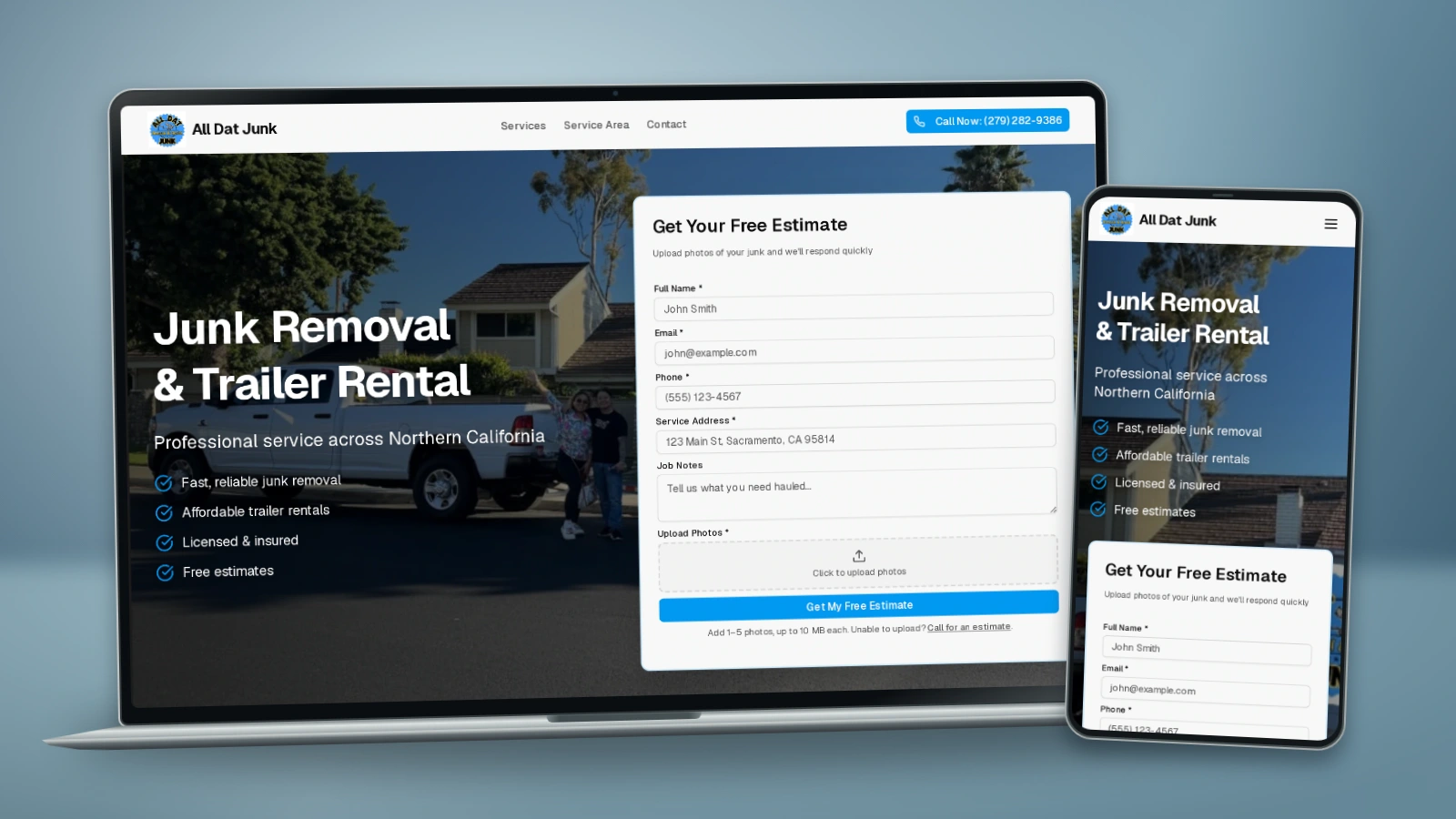
Give customers one page to see your services, check where you work and call or send a message straight to your inbox.
Client example · Starter
Try AllDatJunk’s estimate form.
Add a sample job photo and see how the address, notes and attachments appear in the email their crew receives.
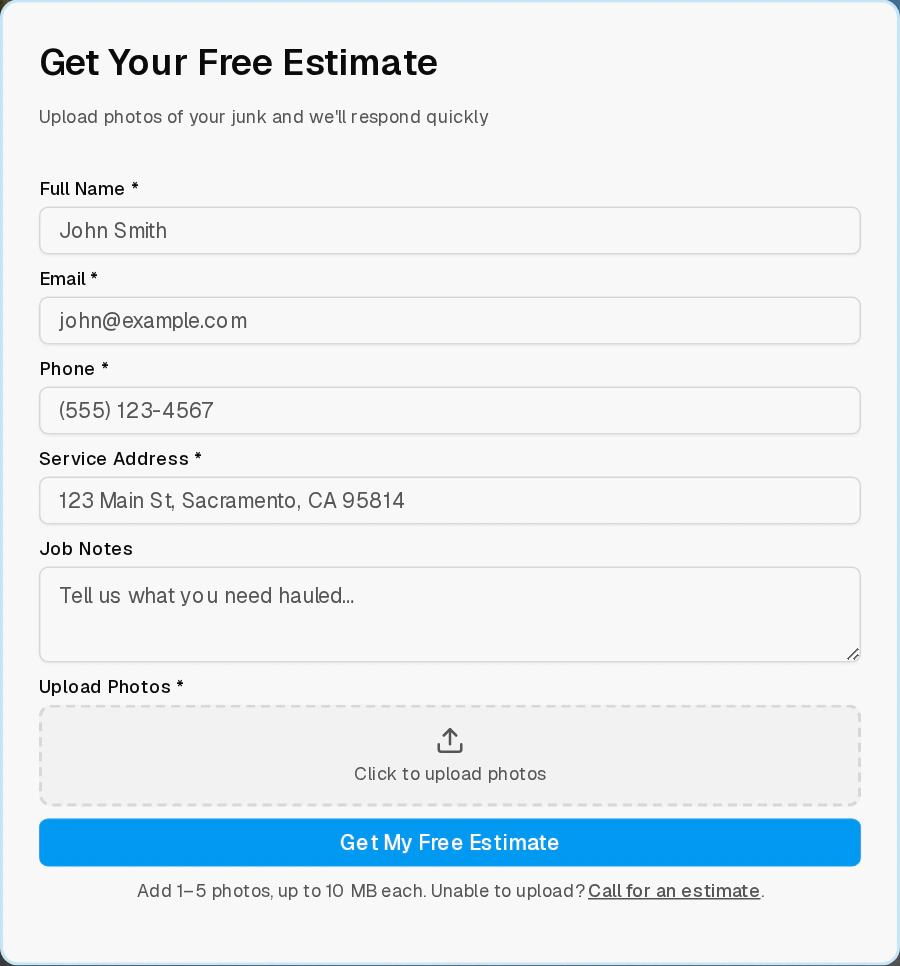
An estimate starts with a look at the job.
AllDatJunk shows the crew, the cleanup work and the area they serve on one page. Their custom estimate form adds photos. Starter includes the one-page site, call buttons and a simple email form.
See the AllDatJunk projectOffice email preview
New All Dat Junk estimate request
- Name
- Email · reply to
- Phone
- Service address
- Job notes
- Attachments
This is how the crew’s estimate email is laid out. Your example stayed on this page.
Compare the cleanup photosHow AllDatJunk receives an estimate request
The customer enters their name, email, phone and service address, adds job notes if needed and attaches one to five photos. The crew gets those details and photos together by email and can reply directly to the customer.
AllDatJunk · Project photos
Show the job before and after.
A customer can see what AllDatJunk hauls away and how the crew leaves the property. These photos come from three cleanups on the company’s website.
Garage cleanout
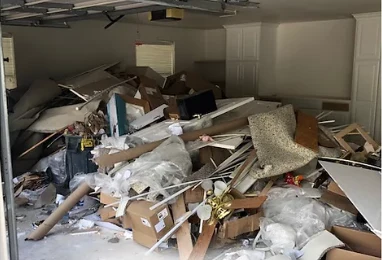
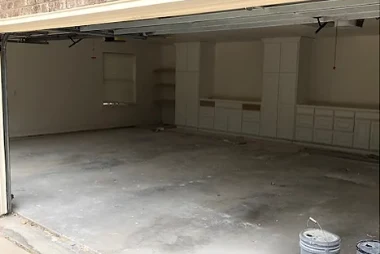
Construction debris
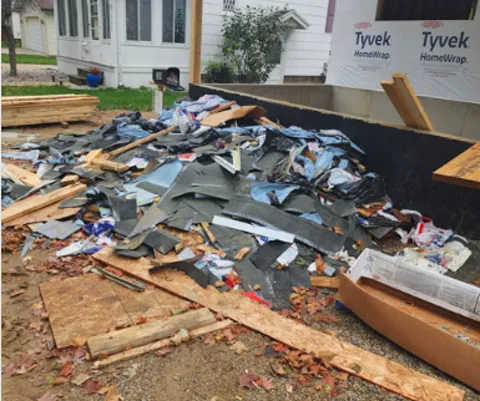
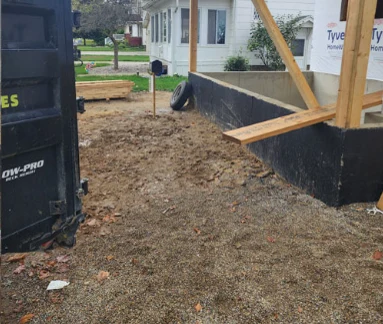
Driveway gravel
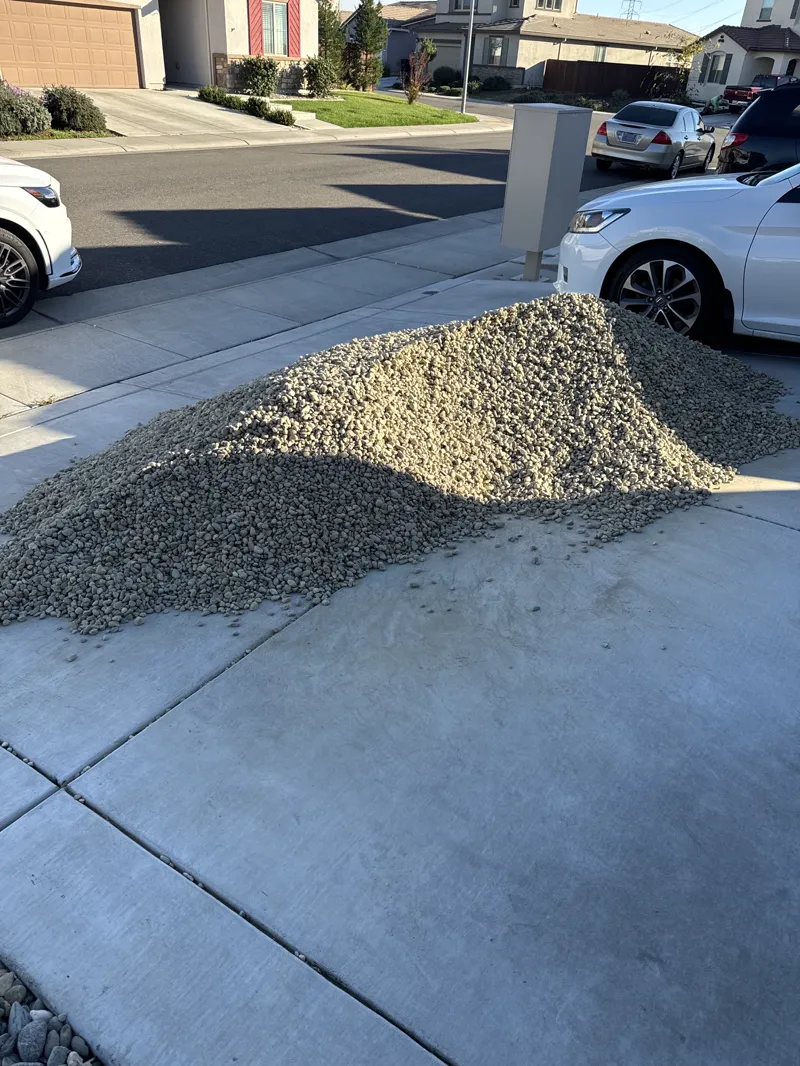
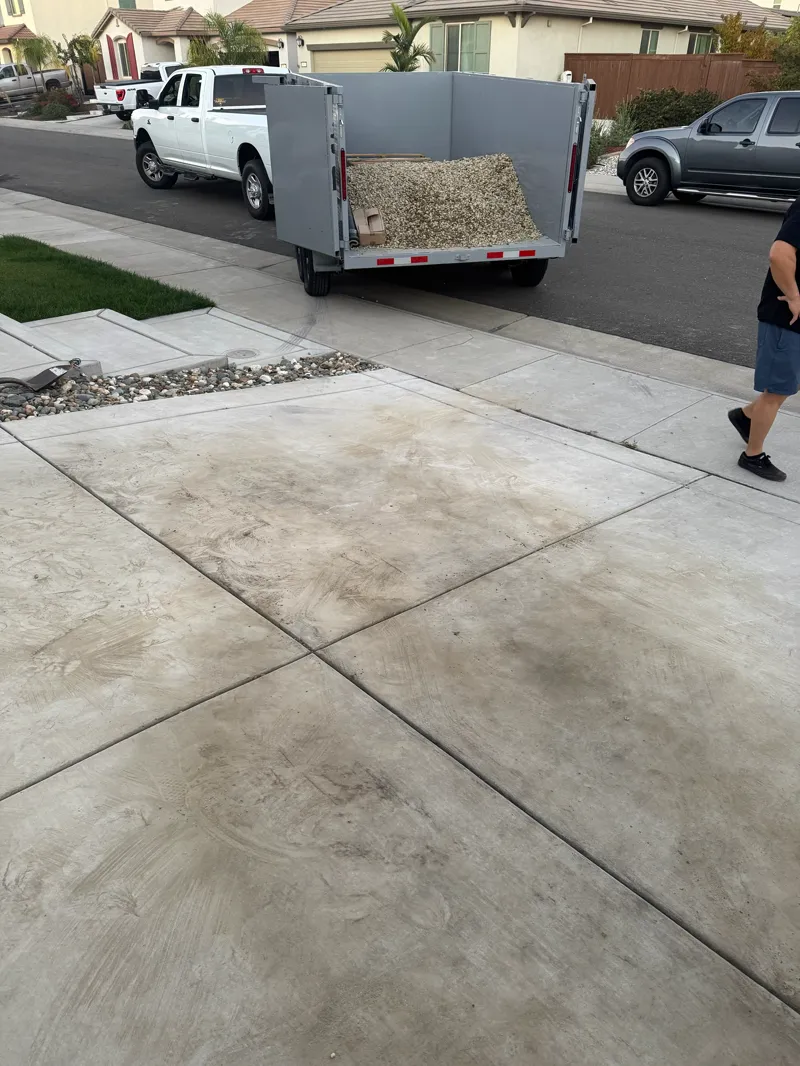
Drag the divider or use the arrow keys to compare the photos.